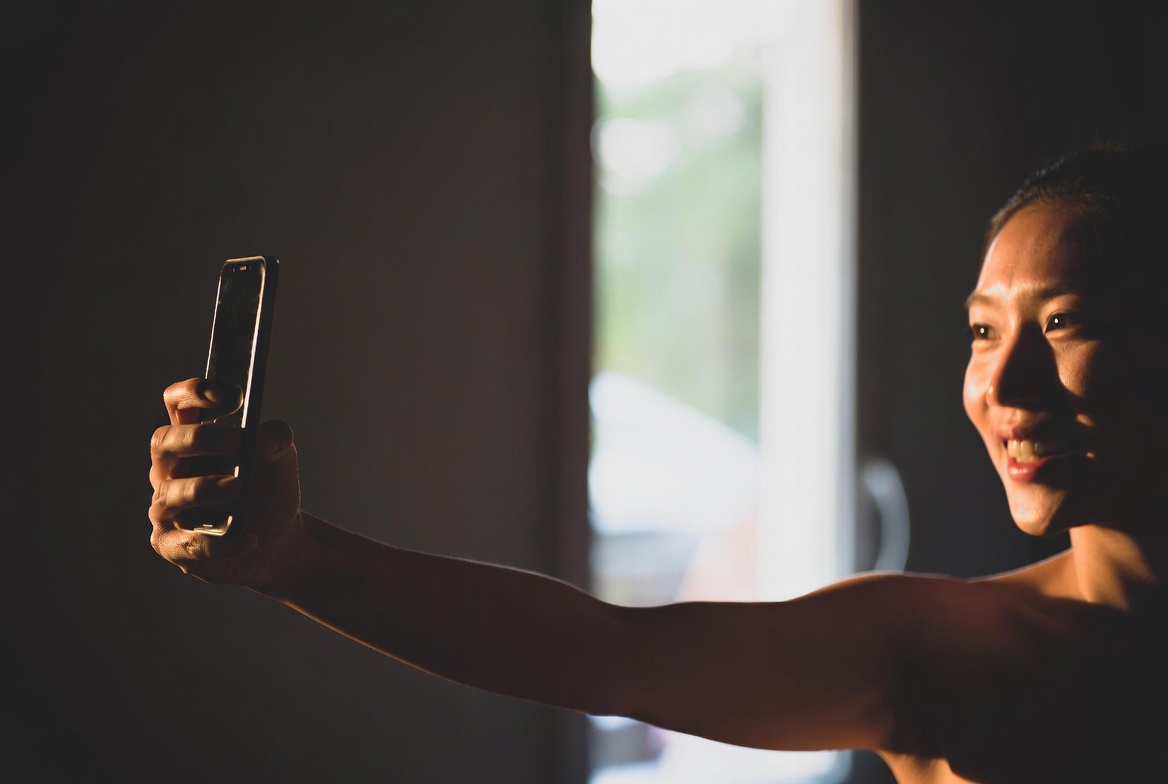
The quality of your AI-generated photos depends directly on the quality of your input selfies. A great AI model trained on clear, well-lit selfies from multiple angles will produce dramatically better results than one trained on blurry, poorly lit shots.
Here are 10 tips to get the best possible results from any AI photo generator.
1. Use Natural Lighting
Natural light is the single most important factor in selfie quality. AI models learn your facial features, skin tone, and texture from your photos — good lighting means the AI gets accurate data to work with.
Do:
- Stand facing a window during daytime
- Shoot in open shade outdoors (overcast days are perfect)
- Use the golden hour (just after sunrise or before sunset) for warm, flattering light
Avoid:
- Harsh overhead lighting (creates unflattering shadows under eyes and nose)
- Backlit photos where your face is in shadow
- Mixed lighting (half sunlight, half artificial light)
2. Show Your Face Clearly
The AI needs to see your facial features without obstruction. This seems obvious, but it is the most common mistake people make.
Do:
- Remove sunglasses and hats
- Pull hair away from your face in at least some photos
- Face the camera directly in most shots
- Keep your face in sharp focus
Avoid:
- Heavy filters or beauty mode that smooths your skin
- Masks, scarves, or anything covering your face
- Photos where your face is partially cropped
3. Vary Your Angles
Upload selfies from different angles so the AI learns the full 3D structure of your face.
Include:
- Straight-on (looking directly at camera)
- Slight left turn (about 30 degrees)
- Slight right turn (about 30 degrees)
- Slight upward angle
- Slight downward angle
Five to seven different angles is ideal. This gives the AI enough data to generate you convincingly from any perspective.
4. Include Different Expressions
If all your training photos have the same expression, your AI model will only be able to produce that one look. Variety in expressions leads to more versatile results.
Include:
- Neutral / resting face
- Genuine smile (think of something funny)
- Professional / confident expression
- Relaxed / casual expression
You do not need to be dramatic — subtle variations are enough.
5. Use a Clean Background
While the AI focuses on your face, a busy or cluttered background can confuse the model. Keep it simple.
Good backgrounds:
- Plain walls
- Simple outdoor settings
- Blurred backgrounds (portrait mode)
Bad backgrounds:
- Crowded scenes with other people
- Very busy patterns or artwork behind you
- Mirrors (the AI may learn reflected objects as part of "you")
6. Upload the Right Number of Photos
More is not always better, and too few will not work well either.
The sweet spot: 10–20 photos
- Fewer than 5: The AI does not have enough data to learn your face accurately
- 5–10: Minimum viable, but results may lack consistency
- 10–20: Ideal range for most AI generators
- More than 20: Diminishing returns, and some tools may take longer to train
7. Dress Simply
Your clothing should not distract from your face. The AI is learning what you look like, not what your wardrobe looks like.
Do:
- Wear solid colors or simple patterns
- Include a mix of necklines (crew, v-neck, collared)
- Different outfits across your photos are fine
Avoid:
- Logos, text, or very busy patterns on clothing
- The same outfit in every photo (the AI may "learn" the outfit)
- Costumes or very unusual clothing (unless that is your style)
8. Skip the Filters
This is critical. Instagram filters, Snapchat effects, and even your phone's built-in beauty mode can degrade AI training quality.
The AI needs to see your real skin texture, real eye color, and real facial features. Filters that smooth skin, enlarge eyes, or adjust proportions will teach the AI an inaccurate version of you.
Use: Your camera's standard photo mode with no enhancements.
9. Ensure Sharp Focus
Blurry photos are the second most common problem after bad lighting. Even slight motion blur can reduce the quality of your AI model.
Tips for sharper selfies:
- Hold your phone steady with both hands
- Use a timer instead of tapping the shutter (reduces shake)
- Lean against a wall or table for stability
- Make sure your phone's camera lens is clean
- Use the rear camera (higher quality) with a timer if possible
10. Include Close-Ups and Upper Body Shots
Give the AI a mix of framing so it learns both your facial details and your general proportions.
Include:
- 5–7 close-up face shots (head and shoulders)
- 3–5 upper body shots (waist up)
- At least 1–2 slightly wider shots
This variety helps the AI generate convincing photos at any crop or framing.
Quick Checklist
Before uploading to your AI photo generator, run through this checklist:
- 10–20 photos total
- Good, even lighting (natural preferred)
- Face clearly visible in every photo
- Multiple angles (front, left, right)
- Different expressions
- No filters or beauty mode
- Sharp focus
- Simple backgrounds
- Mix of close-ups and upper body shots
- Simple, varied clothing
What Happens After Upload
Once you upload your selfies to MagikShot, the AI trains a personalized model of your appearance. This typically takes about 30 minutes. After training, you can generate unlimited photos in any style — professional headshots, creative portraits, social media content, and more.
The better your input selfies, the better every single generated photo will be. It is worth spending 15 minutes getting your selfies right before uploading.
Ready to generate stunning AI photos?
Upload Your Selfies Now